

Describe what should happen
Write it the way you’d tell a colleague. Generate picks the nodes and wires them into a draft.
Quegent Workflows is live now. Connect the apps you already run.
See connectorsQuegent is a no-code AI automation platform for any team. Describe a task in plain words — AI builds the workflow, connects your apps and runs it for you, on a schedule, a webhook or a button.
No flowcharts to draw first and no glue code to keep alive. Say what should happen, check it, switch it on.
Write it the way you’d tell a colleague. Generate picks the nodes and wires them into a draft.
The draft opens as steps on a wire. Open any one to change it, and sign in to each app once.
It runs on a schedule, a webhook or a button. Every run lands in Executions, step by step.
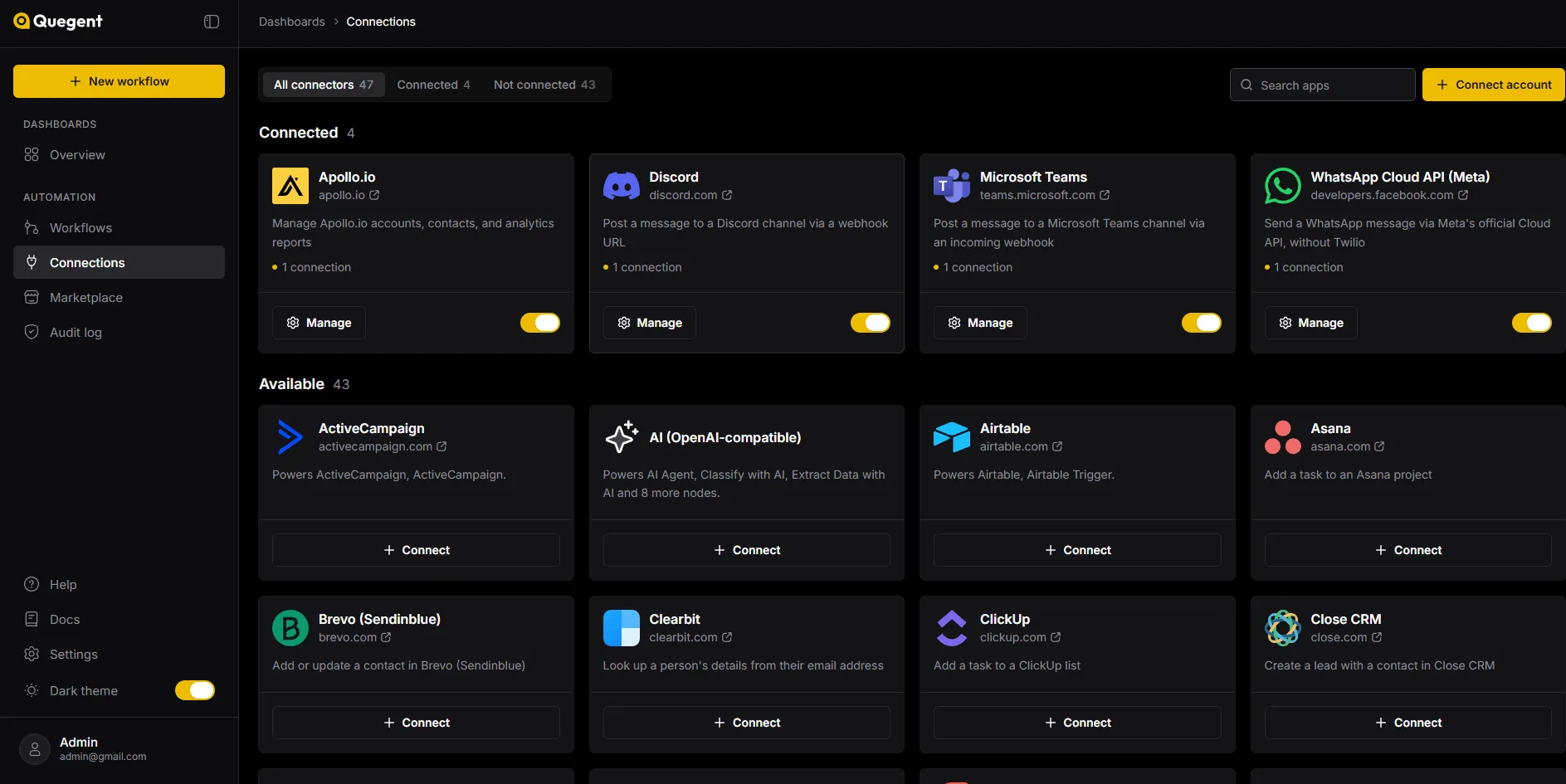
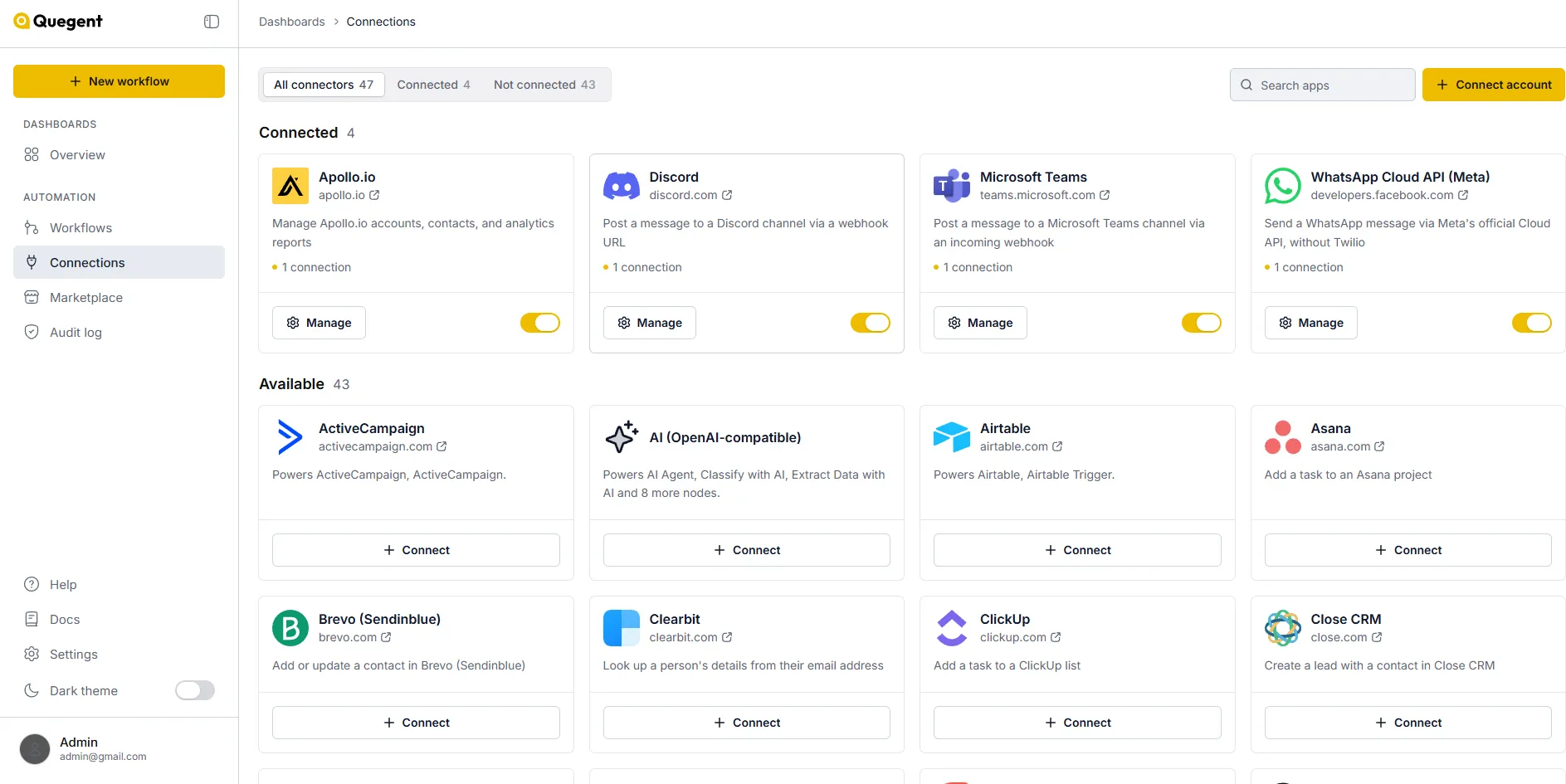
Workflow automation tools for the apps you already use. Sign in once, and each app’s actions become steps on the canvas.
Every weekday at nine, Quegent queries your database, has AI write the three lines that matter, and posts them where the team already is.
Read from the node catalogue every time this page is served, so it says what is actually in there today rather than what was there when somebody last checked.
Automation you can’t see into is automation you can’t trust. So the dull guarantees come built in, not as add-ons.
Compare plansConnected accounts belong to one workspace and are never shared with another.
Connections encrypts every API key and token, and never shows it again once it is saved.
Connect an account once and keep the values you reuse — a channel, an address, a threshold — as variables. Every workflow can use them, and changing one changes them all.
Every save is a version you can open, run or restore.
On Business, the audit log shows who changed what, and when.
Past your plan’s runs, new runs pause. You are never charged extra.
Whatever it is, it is quicker to find out on the free plan than to read about it. No card needed.
 Continue with GoogleOr ask us
Quegent is a no-code AI workflow automation platform for any business. You connect the apps you already use, build a workflow on a visual canvas — or describe it and let Copilot draft it — and Quegent runs it on a schedule, on a webhook, or when you press Run.
No. Every workflow is built from nodes on a canvas. If you can describe the steps out loud, you can build it.
You write what should happen in plain words. Copilot picks the nodes, wires them together and opens the result as a normal workflow. Nothing runs until you have reviewed it.
An AI Agent is a step that reads the data in front of it, decides what to do, and can call other steps as tools — sort an email, answer a question, pick who to notify. It runs on the AI account you connect, and every decision shows in the run log.
43 apps have a ready-made connector, including Slack, Gmail, WhatsApp, Google Sheets, HubSpot, Notion, Shopify and Razorpay. Anything with a REST API works through the HTTP Request node.
Anything you repeat: sending reports, syncing records between apps, replying to forms and emails, sorting support tickets, reconciling payments. If you can describe the steps, you can automate them.
One start of a workflow, from its trigger to its last step, however many steps it has. Free includes 250 runs in any 30 days.
Each workspace keeps its own connected accounts — nothing is shared between workspaces. On Business, the audit log records who changed which workflow and when.
Start with the one task your team repeats every day. It takes minutes to build, and it’s free for 250 runs a month.
No card to start, and nothing runs until you switch it on. Quegent Copilot


